Today, Netflix remains one of the most popular streaming platforms worldwide. It offers an enormous library of trending movies, original series, and exclusive content that keeps millions of viewers engaged every day. But what if you want to save your favorite titles for offline viewing? A Netflix screen recorder can be the best tool that comes in handy.
In this guide, we’ve compiled the 8 best free Netflix screen recorders for desktop, mobile, and browser extensions. Just read on to find the right tool for easy Netflix recording!
Best Free Netflix Screen Recorders for Desktop
When it comes to recording Netflix on a computer, desktop software usually offers the best quality. Let’s check out the 4 best Netflix recorder options for desktop now.
iTop Screen Recorder (Windows)
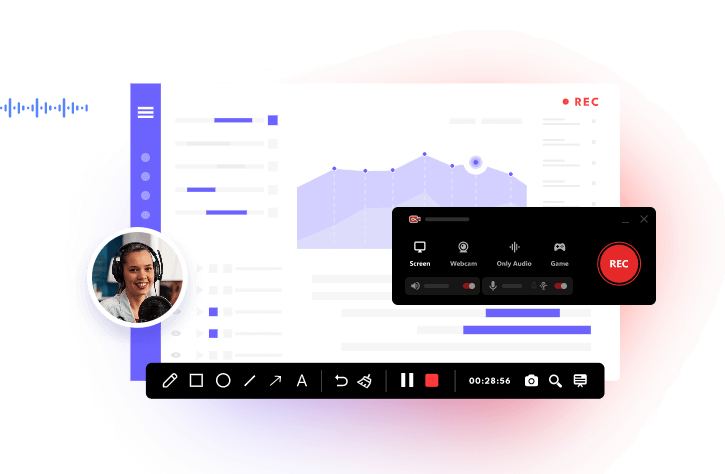
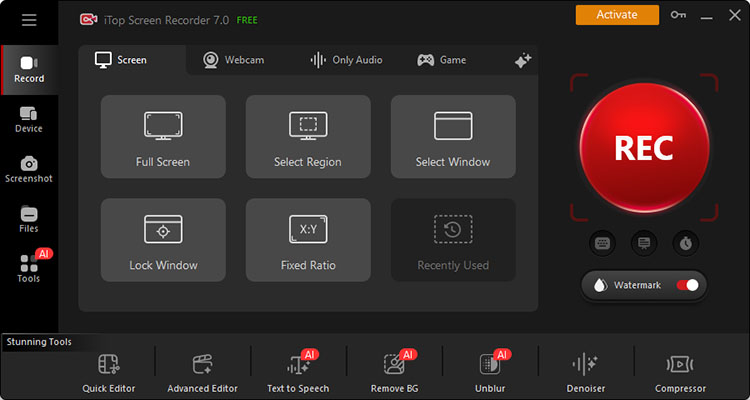
Looking for a powerful solution to record Netflix in high quality on Windows? iTop Screen Recorder is a strong choice. It’s a comprehensive recorder that can help you capture desktop activity, game footage, and webcam input fast and free. You can get the iTop Screen Recorder download link from the official website and download it with just a few clicks.
Best for: High-quality gaming/meeting/Netflix recording on Windows without black screens.
Why Is iTop Screen Recorder the Best Netflix Recorder?
- UHD Screen Recording on Netflix for Free
It lets you capture Netflix videos in 4K, 2K, 1080p, or 720p for free. This 1080p screen recorder delivers high-quality results for everyday recording, streaming, gaming, and more.
- Capture Any Netflix Content No Black Screen
The Enhanced Mode can capture videos that can not be recorded in normal record mode, for instance, Netflix movies, TV shows, etc. You can easily screen record protected videos without black screen.
- Flexible Screen Recording at Any Ratio
You can choose to record the full screen, a custom region, or fixed aspect ratios such as 4:3, 16:9, or 9:16. This makes your recordings ready for different platforms and editing needs.
- HD Audio Recording with AI Denoiser
The screen recorder can capture system audio and microphone input in high quality with an AI-powered denoiser feature. You can reduce unwanted background noise to achieve professional recordings easily.
- Quick or Advanced Editor for Recreation
How to screen record Netflix and edit your recordings? iTop Screen Recorder comes with a free video editor that lets you trim clips, add effects, and create funny Netflix recreations with ease.
OBS Studio (Windows, Mac, Linux)
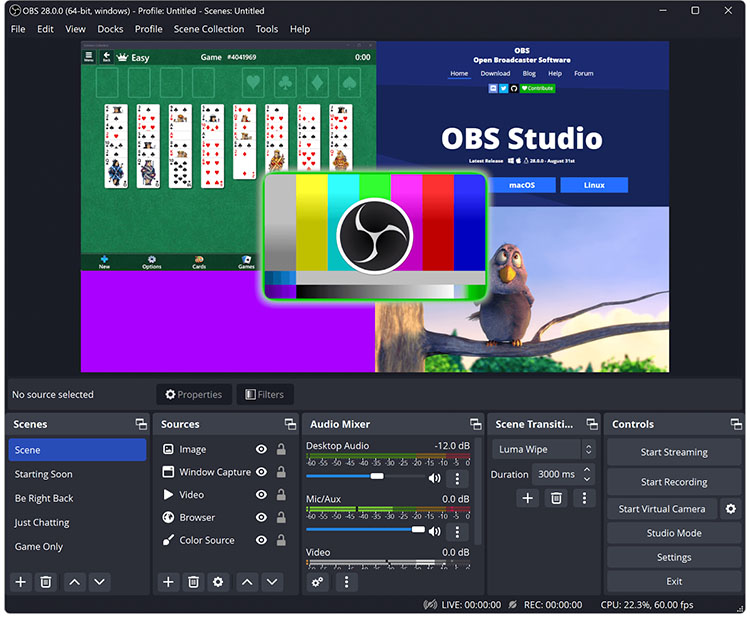
OBS Studio is a powerful open-source screen recorder for recording and live streaming. While it offers excellent quality and extensive customization options, it might require additional configuration when dealing with Netflix’s DRM protection.
Best for: Recording Netflix on Windows, Mac, or Linux with flexible recording controls.
What You Like:
- Completely free with no watermarks
- High resolutions and frame rates with hardware encoding
- Highly customizable scenes, sources, and plugins
- Fewer system resources
What You Dislike:
- Steeper learning curve for beginners
- Netflix screen record black screen possible
IceCream Apps (Windows)
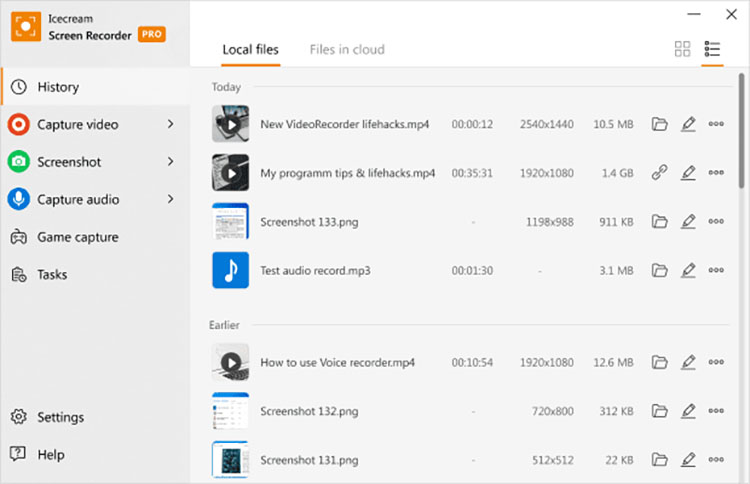
IceCream Screen Recorder is a straightforward tool that can capture desktop activity, webinars, and live streams on Windows. Combining screen recording, screenshots, and basic editing, it’s beginner-friendly and great for quick captures.
Best for: Simple recordings of non-protected content or short Netflix clips.
What You Like:
- A handful of on-screen tools
- Audio and webcam support
- Quick sharing options
- Lightweight and easy to use
What You Dislike:
- Free version limits
- Not ideal for gaming
ScreenRec (Windows, Mac, Linux)
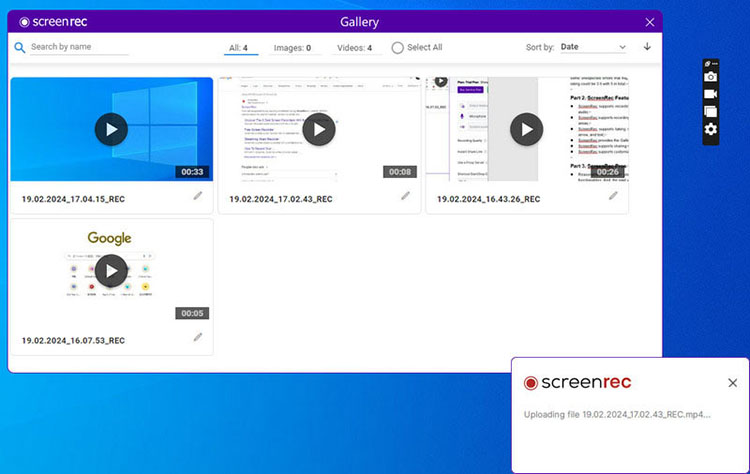
ScreenRec is a lightweight screen recording tool that lets you capture your desktop, specific application windows, or selected areas. It provides a simple way to capture on-screen content with system audio for instant sharing.
Best for: Quickly recording Netflix videos and saving or sharing clips with minimal setup.
What You Like:
- No watermarks or time limits
- Instant private sharing links
- Cross-platform Netflix movie recorder
- 2 GB free cloud storage
What You Dislike:
- Limited video editing features
- Account requirement for full use
Best Free Netflix Screen Recorders for Mobile
The previous part offers some of the best tools for how to screen record Netflix on PC. For phones and tablets, there are a couple of practical solutions for users who prefer to record on the go.
PlayOn Cloud (iOS/Android)
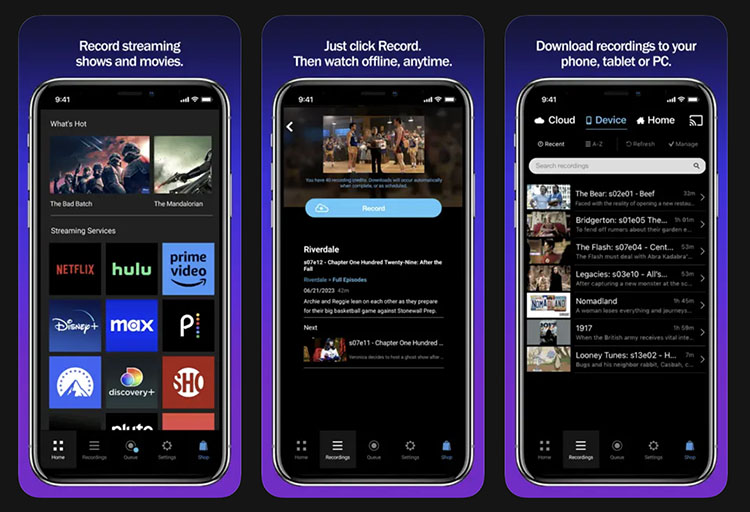
PlayOn Cloud is a digital video recorder (DVR) service that allows you to record video in real-time from your active streaming accounts. You can also use it to record Chamet videos and other supported streaming content.
Best for: Recording Netflix movies and shows for convenient offline viewing on iOS and Android.
What You Like:
- Cloud-based recording, no PC required
- Automatic ad-skipping
- Permanent, non-expiring downloads
- Broad streaming service compatibility
What You Dislike:
- Requires an active subscription or credits for recordings
- Quality and availability depend on the service
Android Built-in Screen Recorder (Android)
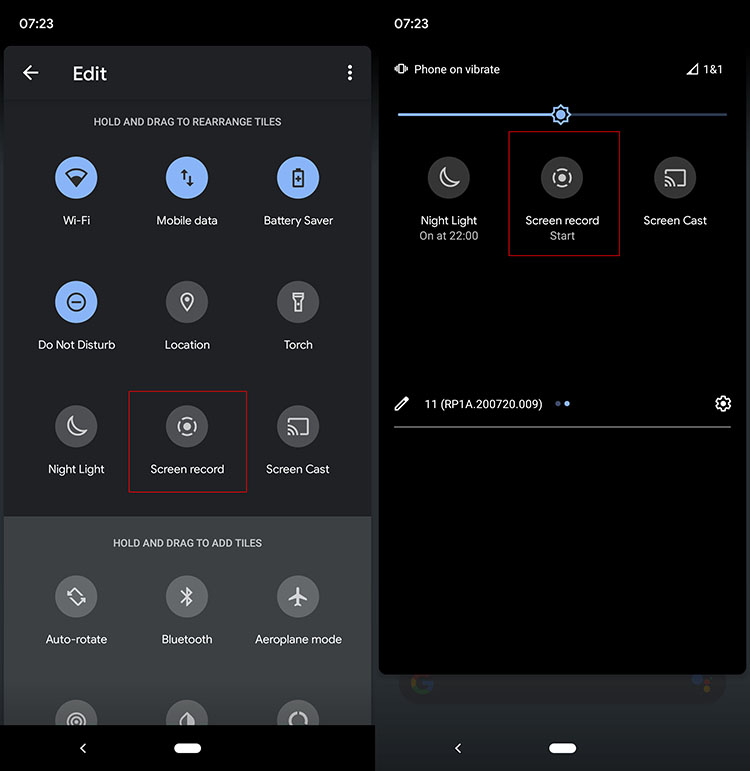
Android’s built-in screen recorder is free to use. It requires no additional apps and works well for unprotected content. However, if Netflix playback is restricted, the recording may show a black screen instead of the video sometimes.
Best for: Users who want to try recording Netflix directly on an Android device natively.
What You Like:
- Completely free and pre-installed
- Simple one-tap recording
- Supports internal audio on many devices
- No additional downloads required
What You Dislike:
- May not capture protected Netflix video correctly
- Recording features vary by Android device and manufacturer
Best Free Netflix Screen Recorder Extensions
If you prefer not to install desktop software, browser extensions offer a lightweight alternative. Here are two great Netflix screen recorder extensions worth considering.
SnapRec (Chrome Extension)
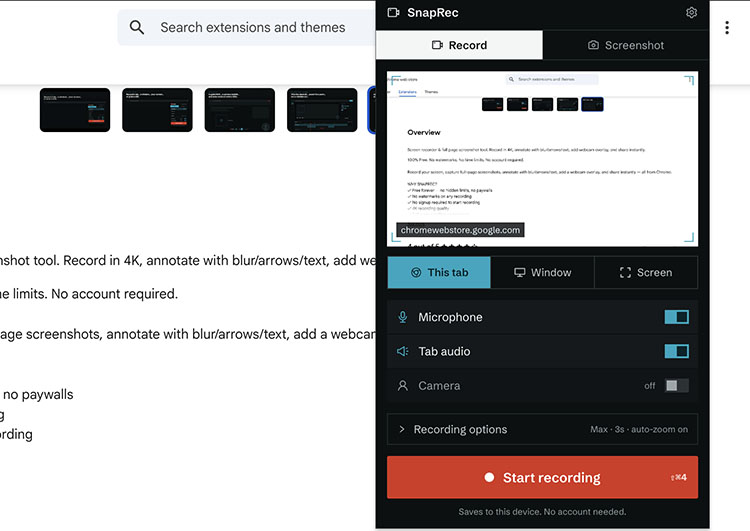
SnapRec is a free Chrome extension that lets you record a browser tab, window, or full screen in up to 4K quality. You can use it to capture your browser activity while watching Netflix in Chrome, record TikTok Live streams, and capture other on-screen content.
Best for: Quick browser-based Netflix recordings without installing full-featured desktop software.
What You Like:
- Truly 100% free Netflix screen recorder
- Up to 4K resolution
- No constraints on Time
- Instant sharing and annotation tools
What You Dislike:
- Browser dependent
- Potential black screen issues
Loom (Chrome Extension, Windows, Mac)
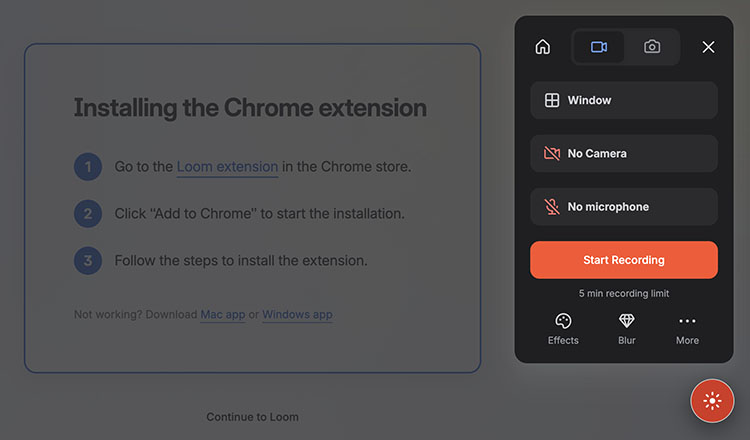
Loom is a popular tool for creating quick video messages and screen recordings. Its browser extension and desktop app let you easily capture browser activity while watching Netflix, then share the recording through a link.
Best for: Short Netflix reaction or commentary clips that need to be shared quickly.
What You Like:
- Simple and beginner-friendly recording process
- Loom AI tools for video creation
- Webcam & screen recording
- Instant cloud sharing and editing tools
What You Dislike:
- Free plan has recording limitations
- Netflix DRM may restrict protected video capture
FAQs About Netflix Screen Recorder
Is It Legal to Use a Netflix Screen Recorder?
Screen recording Netflix content may violate Netflix's terms of use. Make sure to keep the recordings for personal use and avoid distributing/sharing recorded content for financial purposes.
Can I Record a Movie on Netflix?
Technically, Yes. But Netflix uses DRM and HDCP protections that can cause most standard recorders to produce a black screen. You might need a screen recorder for restricted apps to get around it.
Does It Notify If You Screen Record on Netflix?
As of now, Netflix does not notify users when they attempt to screen record its content.
Why Does My Screen Turn Black When I Screen Record Netflix?
The black screen is caused by DRM and HDCP protections designed to prevent the capture of protected video frames.
What’s the Best Free Netflix Screen Recorder?
iTop Screen Recorder is a great choice for its combination of high-quality recording options and Enhanced Mode, which is designed to address common black-screen issues with protected video.
The Final Thought
How to screen record Netflix? This guide has recommended 8 great options for desktop and mobile. Among the options covered, iTop Screen Recorder is the best Netflix screen recorder that offers the strongest combination of free HD recording, Enhanced Mode for protected videos, and useful editing tools. Get it and start capturing your favorite movies without black screens now!