

Buy iTop Screen Record PRO to Enjoy More
Create high-quality screen recordings and save big.
- No Watermark
- No Time Limit
- Up to 4K Recording
- No Lags/FPS Drops
Buy iTop Screen Record PRO to Enjoy More
Create high-quality screen recordings and save big.
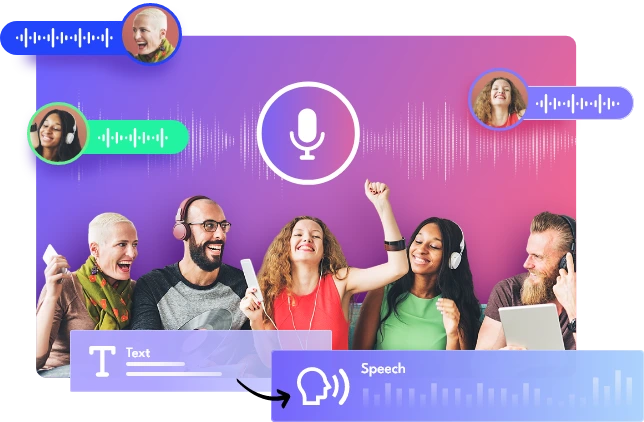
iTop Text to Speech is an easy-to-use text-to-speech program for Windows. It is pre-installed in iTop Screen Recorder and unleashes the power to make realistic AI speeches from written content on PCs.
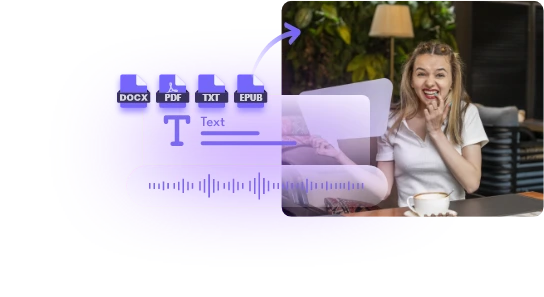
iTop Text to Speech delivers seamless speech synthesis whether you want to generate voices from text scripts or documents/digital books. It achieves accurate and clear pronunciation that lets your audience understand the shared information without mishearing.
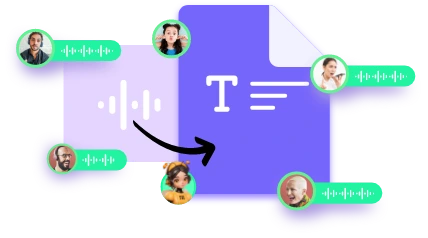
iTop Text to Speech offers a wide range of lifelike and authentic voices, from kids to young females, from mature to older males. Explore serious, calm or energetic tones tailored to your projects from the continuously-updating library.
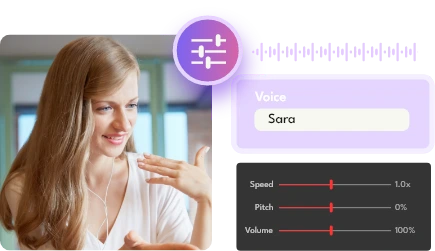
Bring the speech to the next level with personalized voices. The free text to speech software for PC allows you to set a desired speed and volume for the audio; adjust pitch for better engagement and add pauses to make the speech sound natural.
Localize your speeches in different languages. Our text to speech for PC supports tons of accents across the world. Choose from English for the United States or Great Britain, Chinese, Japanese, Spanish, Portuguese, Hindi, etc., for global reach.
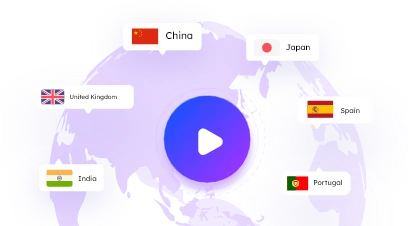
Generate engaging voices with high efficiency. Enjoy an immersive text to speech experience on your PC.
Text to Speech Free
Access features of iTop Text to Speech for free. Download and save the audios generated from text and documents at no cost. No account and additions are required.
Easy & Fast Generation
The text to speech conversion is easy, fast and effortless. Simply input the text or import a file, choose a voice and then generate. Within seconds, you can get a perfect resulting file.
Studio Quality Audios
More than natural-sounding voices with accurate pronunciation, iTop Text to Speech creates Hi-Fi audios with no noise or distortion for a detailed listening experience.
Contextually Aware Speeches
Integration with the cutting-edge AI algorithms, iTop Text to Speech produces emotion-rich and human-like voices that react to the context in your script.
Looong Text Support
Generate voice-overs from long text beyond boundaries of character limits. Support up to 10,000 characters for free and unlimited words for iTop Text to Speech Pro subscribers.


Our text to speech AI free helps create a variety of studio-level voice files ideal for different situations, ranging from individual to commercial use.

Personalize Marketing Messages
Create audio narrations from text for product showcase and promotion videos to improve efficiency for marketing. Convert text to speech in multiple languages to reach worldwide audiences.

Design Advertisement Voices
Produce compelling speeches for your advertising content with our text to speech software. Achieve clear and empathetic voice-overs to attract your customers’ attention efficiently.
AI Read Text Aloud
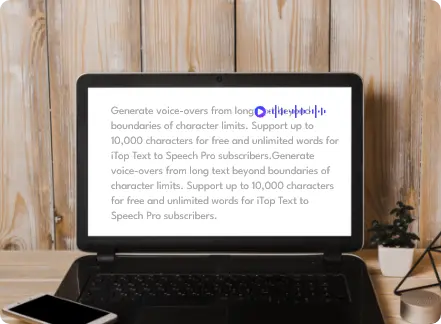
Integrate the text to speech for PC into reading assistant systems. Read text aloud to make the written content accessible to virtually impaired individuals.

Report News
Generate expressive voices for news broadcasting with iTop Text to Speech. Deliver polished and authoritative tones comparable to professional journalism and ideal for any type of news.
Automate Podcasts
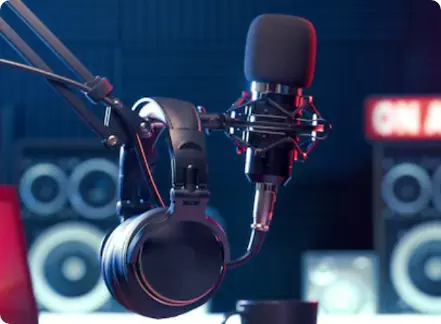
Enable content creators to craft high-quality and captivating podcasts with a narrative voice. Perfectly demonstrate stories across a wide range of genres to attract more audiences.
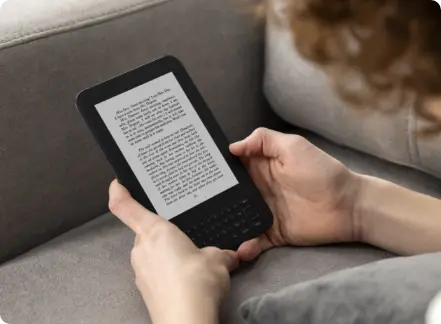
Make Audiobooks
Easily produce natural-sounding audiobooks by transforming long novels into audible content. Whether you are on the subway or taking a relaxing time, the portable stories are accessible and help reduce eye fatigue.

Deliver Audible Customer Service
Use our AI text to speech software to generate enthusiastic voices for quick, interactive, and accurate customer service. Engage with your target users and build trust with them.
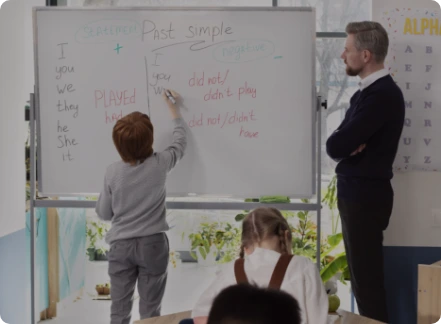
Build Interactive Lectures
Generate audio content for online courses and training. Convey knowledge/information more precisely in case of an error in speaking. Save time to record a lecture and achieve better learning outcomes.
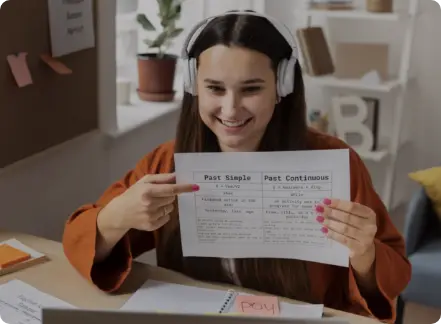
Study Languages with Efficiency
Text to speech software delivers clear and correct pronunciation of different accents, helping students learn foreign languages by themselves easily and cost-effectively.
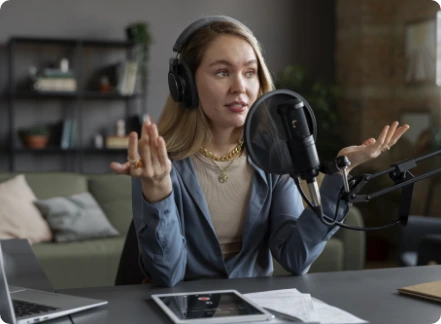
Convert Text to Training Materials
Generate onboarding and training voices across languages to make the materials accessible to employees in different regions. Reach effective communication and boost productivity.
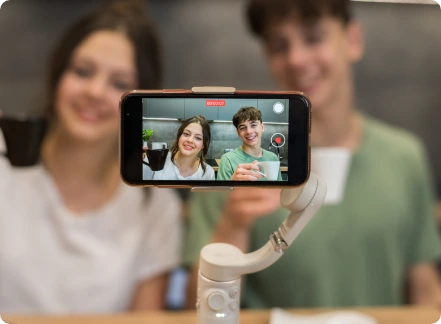
Customize Video Voiceover
Voiceover is crucial for video content creation. Use iTop Text to Speech to convert the script to voices with different emotions for your vlogs, storytelling videos, etc.
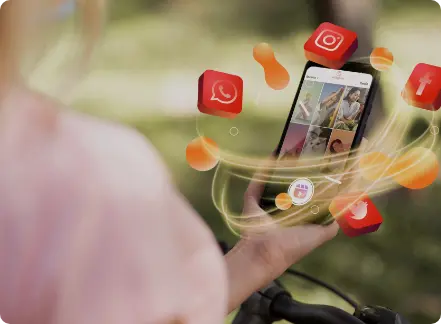
Share Speech for Social Media
Do not only share static content on your social media. Generate funny and passionate speeches from text to enrich your posts and engage viewers.
Personalize Marketing Messages
Create audio narrations from text for product showcase and promotion videos to improve efficiency for marketing. Convert text to speech in multiple languages to reach worldwide audiences.
Design Advertisement Voices
Produce compelling speeches for your advertising content with our text to speech software. Achieve clear and empathetic voice-overs to attract your customers’ attention efficiently.
AI Read Text Aloud
Integrate the text to speech for PC into reading assistant systems. Read text aloud to make the written content accessible to virtually impaired individuals.
Report News
Generate expressive voices for news broadcasting with iTop Text to Speech. Deliver polished and authoritative tones comparable to professional journalism and ideal for any type of news.
Automate Podcasts
Enable content creators to craft high-quality and captivating podcasts with a narrative voice. Perfectly demonstrate stories across a wide range of genres to attract more audiences.
Make Audiobooks
Easily produce natural-sounding audiobooks by transforming long novels into audible content. Whether you are on the subway or taking a relaxing time, the portable stories are accessible and help reduce eye fatigue.
Deliver Audible Customer Service
Use our AI text to speech software to generate enthusiastic voices for quick, interactive, and accurate customer service. Engage with your target users and build trust with them.
Build Interactive Lectures
Generate audio content for online courses and training. Convey knowledge/information more precisely in case of an error in speaking. Save time to record a lecture and achieve better learning outcomes.
Study Languages with Efficiency
Text to speech software delivers clear and correct pronunciation of different accents, helping students learn foreign languages by themselves easily and cost-effectively.
Convert Text to Training Materials
Generate onboarding and training voices across languages to make the materials accessible to employees in different regions. Reach effective communication and boost productivity.
Customize Video Voiceover
Voiceover is crucial for video content creation. Use iTop Text to Speech to convert the script to voices with different emotions for your vlogs, storytelling videos, etc.
Share Speech for Social Media
Do not only share static content on your social media. Generate funny and passionate speeches from text to enrich your posts and engage viewers.


Great Workflow and Easy Customization
“I appreciate the seamless text to speech conversion. I can create high-quality voices from the script or a Word document with ease. The understandable UI helps me effortlessly fine-tune voices for special cases. It also allows me to add pauses in longer texts to improve speaking pace.”

Perfect Voiceovers for YouTube Videos
“iTop Text to Speech makes perfect sense for my work. It helps create natural-sounding and distinct AI voiceovers for various videos. And, the text to speech process is pretty easy and straightforward.”

Expressive Text to Speech Voices
“What I like about iTop Text to Speech best is its ability to generate hyper-realistic, human-like, emotional voices for branding and advertising. It converts text to natural speech across multiple languages, making it possible for global accessibility.”

Fantastic Text to Speech for PC
“I use iTop Text to Speech to transform my script into voiceovers. It surprises me for the incredibly natural tone that sounds like a professional voice actor. It has an intuitive interface and enables me to generate and tweak audio with no hassle.”

High Accuracy for Education Needs
“iTop Text to Speech is a useful program to generate clear narrations for my lessons. It outputs accurate speeches that perfectly match the content, letting students learn the knowledge better. It is also a good helper for me to listen to work emails while checking homework.”
Text to speech (TTS) is an assistive technology that converts digital text to spoken audio. It is primarily developed to help people with visual impairments or learning disabilities access certain content and now used for more fields, like voiceovers, podcasts, customer services etc.
iTop Text to Speech is a desktop program for Windows that
leverages TTS technology to generate natural-sounding AI voices
from written content. The offline text to speech software
employs linguistic analysis and speech synthesis to make the
system analyze the text, from words, sentence structure to
context and turn it into speech with a matching voice.
iTop Text to Speech is built into iTop Screen Recorder, the
industry-leading screen recording software for PC, as an
important gadget for content creation.
Yes but partially. You can convert text to speech with limited voices and languages for free. Upgrade to the Pro version to get full and unlimited access.
iTop Text to Speech supports English for the United States and the United Kingdom, French, Italian, Spanish, Portuguese, Japanese, Chinese, and Hindi. More languages and accents will be supported soon.
Yes for iTop Text to Speech Free. The maximum length of your text is 10,000 characters. You can get a Pro version to extend to unlimited characters.
iTop Text to Speech supports importing Word (.docx), TXT (.txt), PDF (.pdf), EPUB (.epub) documents and converts the included content to speech.
Yes. Pick an AI voice and click Options. Then, you can adjust the speed, pitch, and volume to design the voice that fits your work.
iTop Text to Speech outputs the speech as a .wav file. More output formats will be supported soon.
After you complete the text to speech conversion, open iTop Screen Recorder and go to Files. Audio to find the AI-generated voice file. You can play, edit, upload, or save the audio at will.
Ready to generate the ultra-realistic voices for your project.
Subscribe to Our Newsletter
Subscribe to our newsletter to stay updated every moment.

Subscribe to Our Newsletter
Subscribe to our newsletter to stay updated every moment.
© 2026 iTop. All rights reserved.


