A screen recorder with auto zoom is a specialized tool that captures your desktop activity and automatically zooms in on key areas. If you want to create smooth and easy-to-follow tutorials and demos, an auto zoom screen recorder can be the best tool that comes in handy. By intelligently tracking on-screen actions and applying dynamic zoom effects, these tools keep viewers focused on important details. Want to get one for your next video creation? Explore the 5 best auto zoom screen recorders free for Windows!
How to Choose a Free Screen Recorder with Auto Zoom
When you choose the best free auto zoom screen recorder, there are a few features to look for, and they are:
- Smooth auto-zoom recording: It should intelligently track cursor movements, clicks, or text inputs and apply fluid zoom-in and zoom-out transitions.
- Customization options: Look for controls over zoom levels, timing, focus points, cursor appearance, backgrounds, and aspect ratios.
- Recording quality: If you want to produce professional-looking videos, look for 1080p or 4K resolution, smooth frame rates, system and microphone audio, etc.
- Ease of use: An intuitive interface makes the entire process easy, which allows you to create polished videos more quickly.
Based on these criteria, we selected the following five screen recorders with auto zoom for Windows.
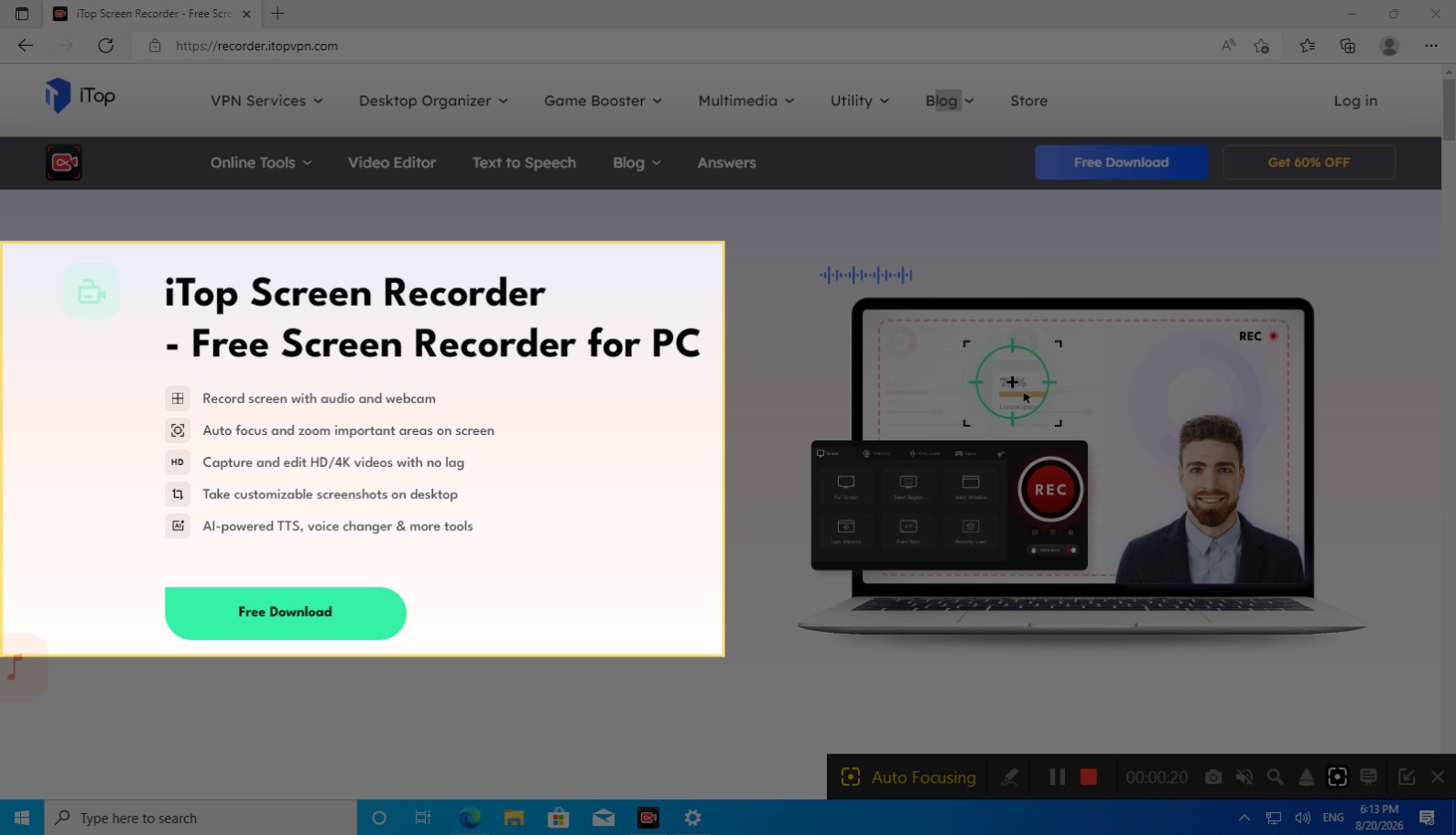
iTop Screen Recorder - Full-Featured Screen Recorder with Auto Zoom
Platforms: Windows
Best for: Users who want an all-in-one desktop recorder for tutorials, gameplay, meetings, and content creation with auto focus.
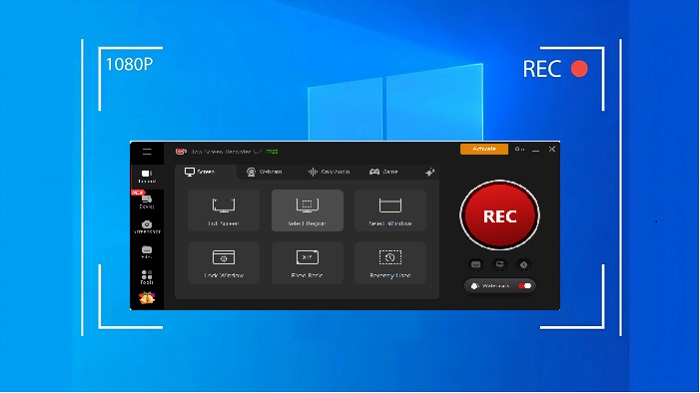
iTop Screen Recorder is feature-rich, lightweight screen recording and video editing software designed for Windows PCs. Its standout Auto Focus feature can intelligently detect mouse movements, text inputs, and other key actions, then automatically zoom in on important areas during recording. You can easily create clear and professional-looking screen recordings that keep viewers focused on the most important details.
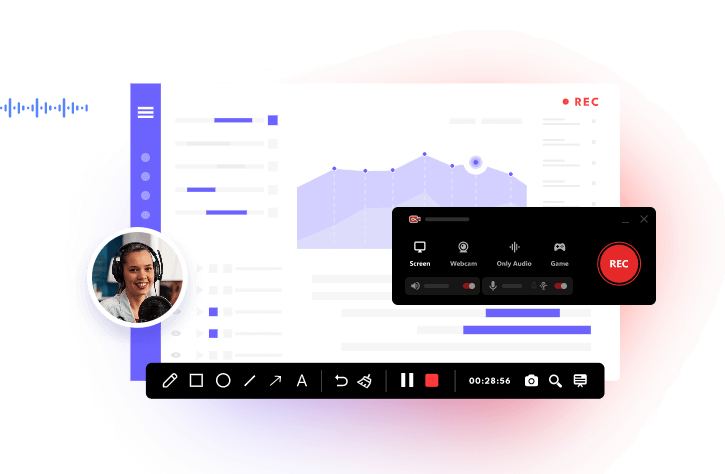
It supports versatile recording options, including full screen, specific windows, and custom regions. You can also add a webcam feed (facecam) with removed or blurred background, and shapes for tutorials, reactions, and other content. It can capture system sounds and microphone input simultaneously. The software also includes built-in editing tools for trimming, effects, and subtitles, plus AI-powered features like text-to-speech and image background removal.
In addition, iTop Screen Recorder supports hardware acceleration for high-quality 1080p and 4K recording, annotation tools for highlighting on-screen content, scheduled recording for added flexibility, and Game Mode for smooth, high-FPS gameplay capture.
Pros:
✔ Free auto zoom screen recorder
✔ Record screen with auto zoom in real-time
✔ A wide range of recording features
✔ Built-in editing and AI-powered tools
✔ Extra useful utilities for video creation
Cons:
✘ Some advanced AI features and unlimited functionality require Pro
✘ No official version available for macOS
Bandicam - Smart Screen Recorder with Auto Zoom
Platforms: Windows
Best for: Tutorial creators and demo makers who prefer recording first, then applying polished auto-zoom in a simple editor.
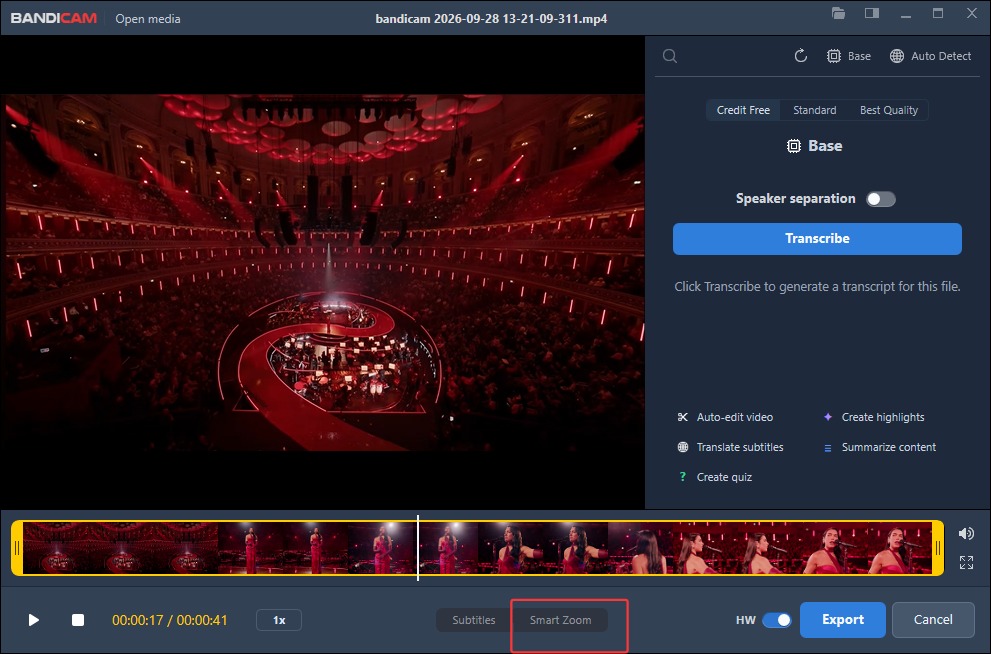
Bandicam is a lightweight, high-performance screen recorder that lets you capture your computer activity with minimal effort. Its Smart Zoom feature (also called AI Auto Zoom) analyzes mouse clicks and movements after recording, then automatically adds smooth, natural zoom-in and zoom-out effects. Simply record your screen as usual, enable Smart Zoom in the editor, and that’s it.
The Smart Zoom works in both Rectangle and Fullscreen recording modes, which is great for directing viewers’ attention to important information. The screen recording software also supports high-quality video output, hardware acceleration with NVIDIA, AMD, and Intel GPUs, real-time drawing tools, and flexible audio options.
Pros:
✔ Free screen recorder with auto zoom for basic use
✔ Natural camera transitions follow cursor interactions seamlessly
✔ Lightweight screen recorder with auto zoom
✔ Integrated tools for real-time drawing, AI transcription, etc.
Cons:
✘ Auto zoom is applied after recording rather than in real time
✘ Free version includes recording time limits or a watermark
Rapidemo - Auto Zoom Screen Recorder with Cinematic Visuals
Platforms: Windows
Best for: Product teams and creators who want cinematic demos and tutorials with automatic zooms, smooth cursor movement, and modern layouts.
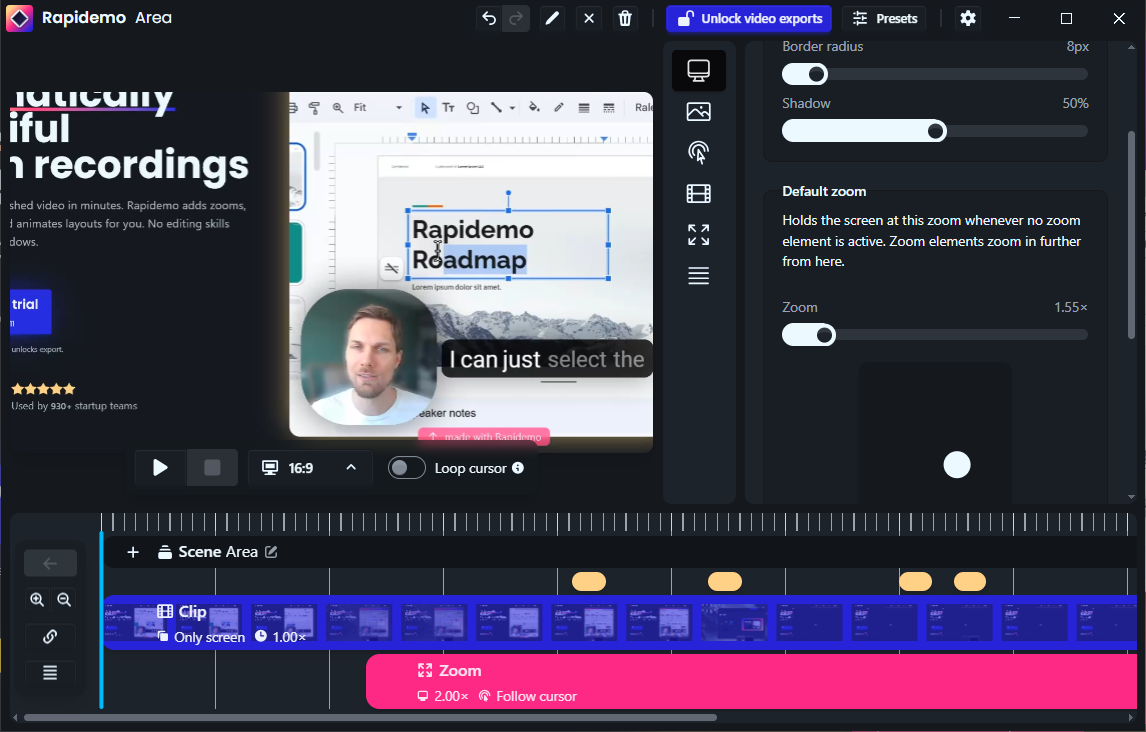
Rapidemo is a powerful screen recorder that can turn plain screencasts into polished, professional video demonstrations. By tracking mouse movements and clicks, the software automatically applies cinematic zoom-ins and pans without keyframe editing. You can also add manual focus points when you need greater control.
The screen recorder also features an intuitive timeline video editor that allows you to fine-tune zoom depths, adjust camera layouts, and smooth cursor motion with 2D/3D layouts for a polished result. Along with built-in support for custom backgrounds, dynamic aspect ratios, and subtitles, it’s particularly suitable for product demos, tutorials, and course content.
Pros:
✔ Automatic click-based zoom animations & cursor smoothing
✔ Cinematic layouts and multi-aspect ratio export
✔ Free download to try all features
Cons:
✘ Free exports require a paid license to remove restrictions
Cursorful - Online Auto Zoom Screen Recorder Free, No Sign-Up
Platforms: Web, macOS, Windows, Linux (via Chrome, Edge, and Brave extensions)
Best for: Casual users looking for a quick, browser-based screen recorder to create focused tutorials without software installation.
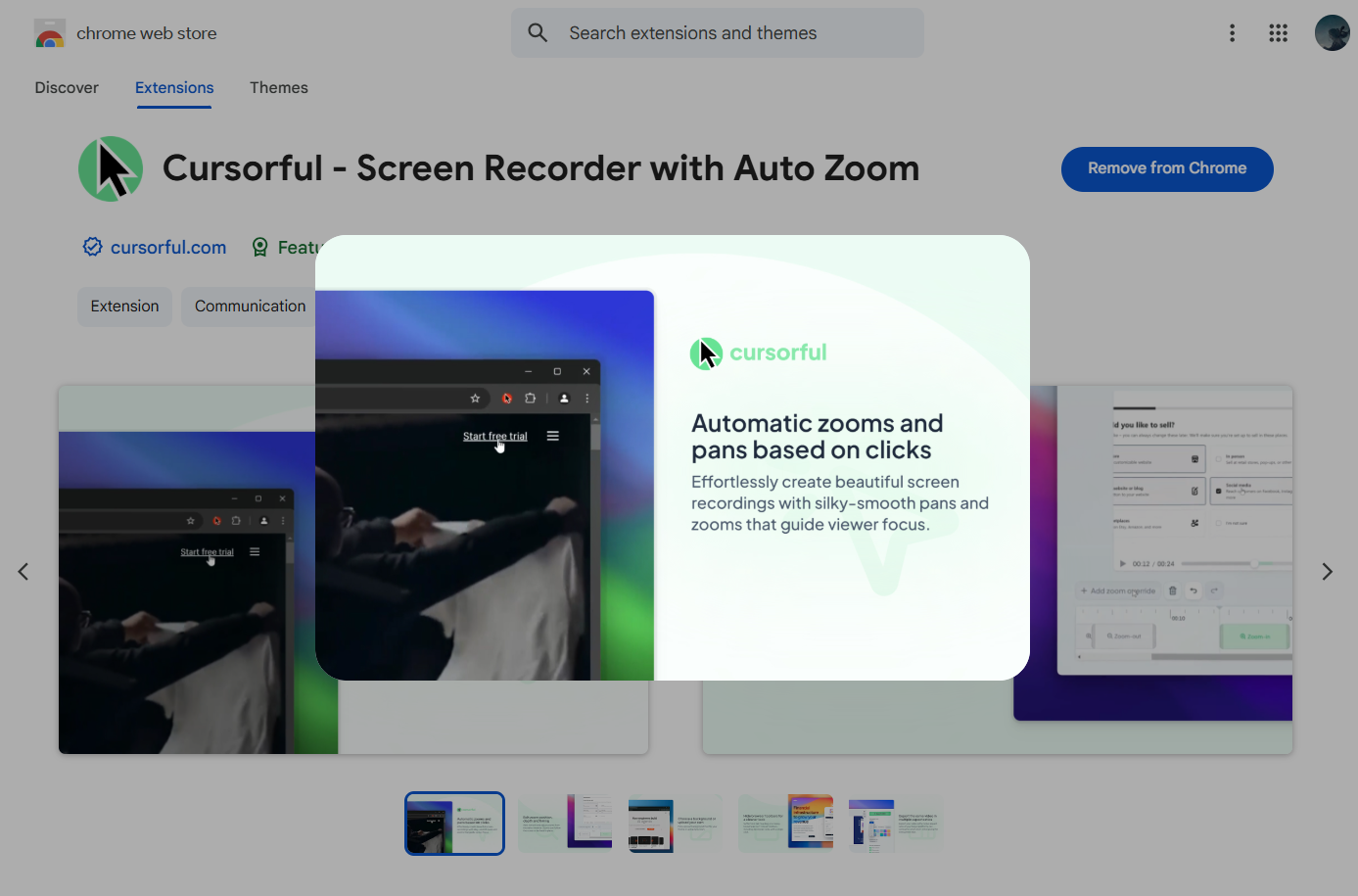
Cursorful is a browser-based screen recording tool that automatically adds smooth zooms and pans based on cursor movements and clicks. After recording, you can use the built-in editor to adjust the zoom position, depth, and timing. You can also customize backgrounds, hide browser toolbars, and choose different aspect ratios for your final video. What’s even better, the free plan provides core recording and automatic zoom features without an account needed.
Pros:
✔ Free screen recorder with auto zoom, no sign-up.
✔ Simple browser-based recording and editing workflow
✔ Local offline rendering ensures complete data privacy
Cons:
✘ No Firefox support
✘ No auto zoom outside the browser viewport
Zumie - Customizable Screen Recorder with Auto Zoom
Platforms: Windows, macOS, Linux (via Chrome extension)
Best for: Content creators, educators, and product teams who need an accessible browser-based recorder with built-in styling and editing tools.
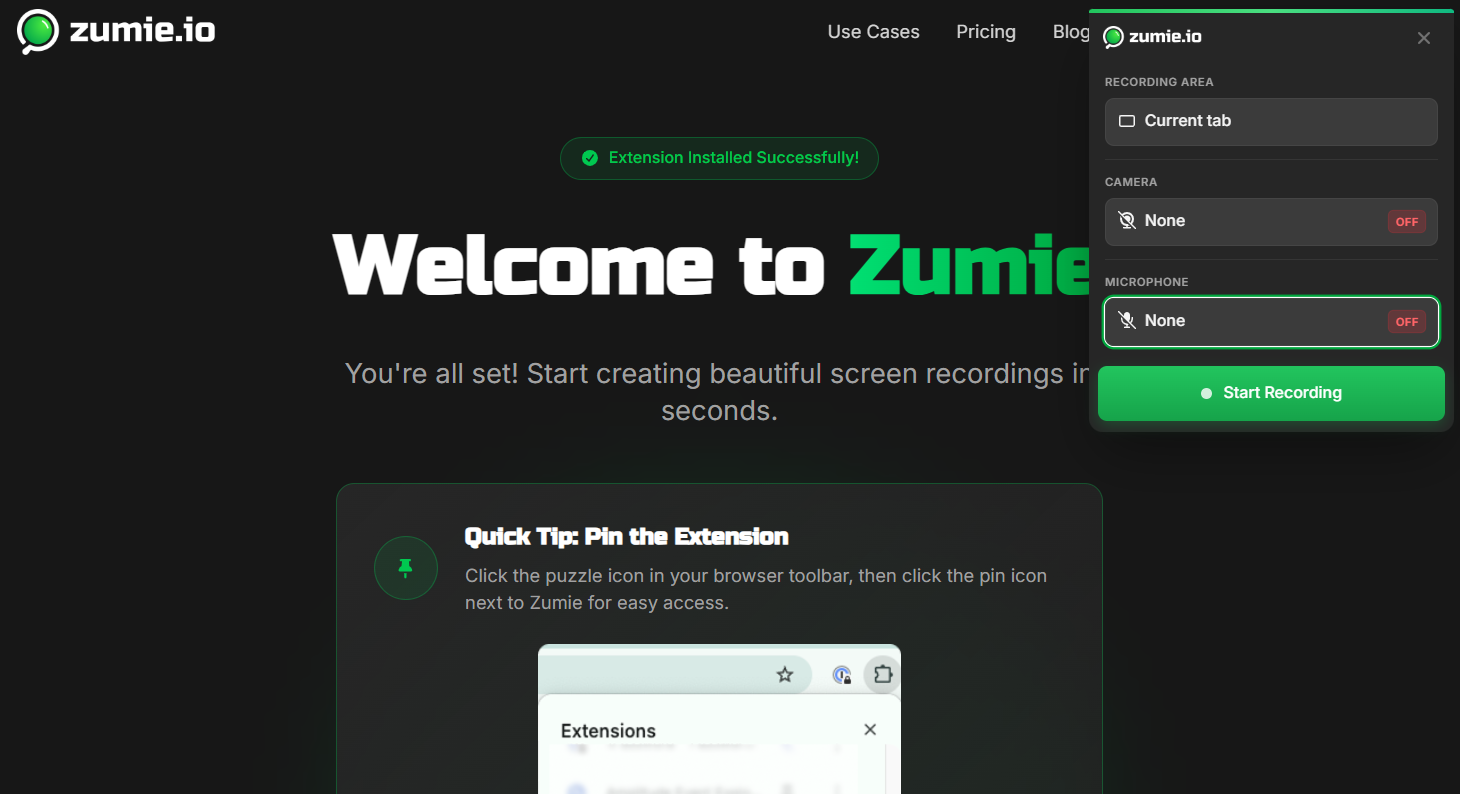
Zumie is an online screen recorder that can follow your cursor and clicks in real-time while recording. Its algorithm analyzes on-screen interactions to identify important areas and automatically applies smooth zoom effects while recording. It also includes a built-in timeline editor for trimming and adding highlights. Along with multi-source recording, visual customization, and easy sharing, Zumie is a solid choice to create polished videos for tutorials, product demos, and async communication.
Pros:
✔ Intelligent real-time auto zoom that follows the cursor
✔ Built-in click and keyboard highlights with a simple editor
✔ Screen recorder with auto zoom free to start
Cons:
✘ Free exports include a watermark
✘ Browser-extension based only
Also Read: Best 9 Free Screen Recorders Without Watermark >>
Best Free Auto Zoom Screen Recorders - Feature Comparison
For the top 5 options above, which one is the best screen recorder with auto zoom? Check out this brief comparison before committing.
| Feature |
iTop Screen Recorder |
Bandicam |
Rapidemo |
Cursorful |
Zumie |
| Auto Zoom |
Yes (real-time Auto Focus) | Yes (Smart Zoom post-recording) | Yes (click-based animations) | Yes (follow-cursor) | Yes (smart tracking) |
| Real-time or Post-recording Zoom |
Real-time | Post | Auto + editable | Auto + editable | Real-time + editable |
| Built-in Editor |
Yes | Yes | Yes | Yes | Yes |
| Webcam + System/Mic Audio |
Yes | Yes | Yes | Limited (Pro) | Yes |
| High-res Export (1080p/4K) |
Yes | Yes | Yes (up to 4K) | Yes (Pro) | Yes (paid) |
| Cursor Customization / Highlights |
Basic + magnifier | Basic | Advanced | Yes | Yes (click/keyboard) |
| Free Version |
Yes | Yes | Trial (export paid) | Yes | Yes |
Conclusion
A screen recorder with auto zoom is a handy tool to produce clear, professional tutorials and demos. By automatically highlighting important actions, these tools reduce the need for manual zooming and can save significant editing time. Among them, iTop Screen Recorder stands out as the most complete option with genuine real-time Auto Focus, solid editing tools, and versatile recording modes. Download iTop Screen Recorder to create more focused videos with automatic zoom effects now!