
Effortless Video Capture and Crafting with
iTop Screen Recorder PRO

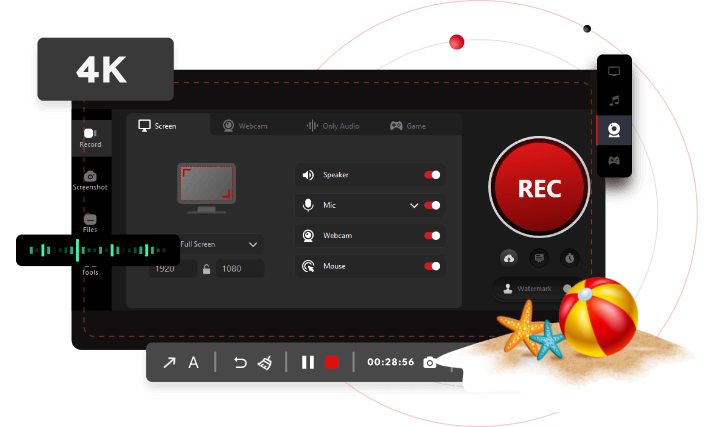
  • Capture Stunning 4K Video

    Easily capture meetings, live streams, Netflix, YouTube or gameplay in stunning 1080p or 4K for superior output quality.

  • Watermark Freedom

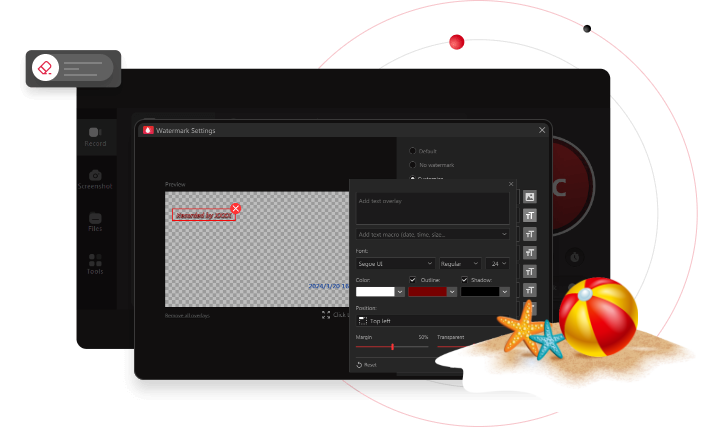
    Remove default watermark and add one or more custom watermarks to personalize and protect the recorded videos from unauthorized use.

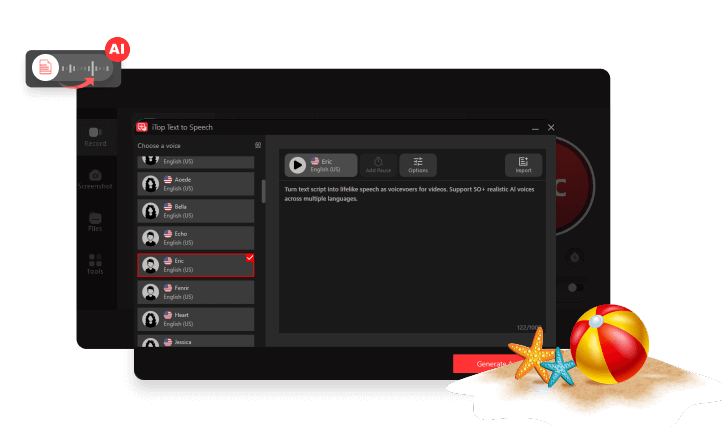
  • AI Text-to-Speech

    Instantly convert text to natural-sounding audio in 50+ human voices across 10+ languages - perfect for videos, ads, and creative storytelling.

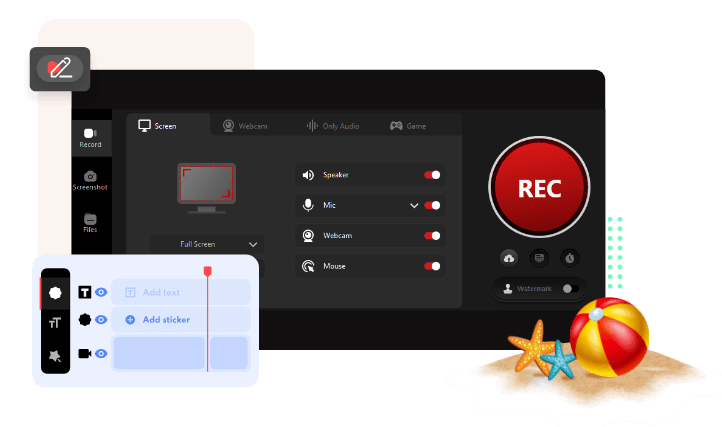
  • Powerful Video Editing

    Boost your videos with advanced editing tools like trim, merge, effects, and speed adjustments and enjoy high-quality 4k resolution output.
Upgrade to PRO, You Can Enjoy More

  • High Screen Recording Quality

  • Recording time limit
  • Basic screen recording & video editing
  • Edit high-quality videos
  • Record iOS/Android screens directly from your PC
  • Save screenshots in space-saving WebP format NEW
  • 1-click to remove or replace image backgrounds NEW
  • Compress videos to a smaller size without losing quality
  • Customized Recording

  • Make blurry images clear in seconds with AI
  • No watermark on recording
  • Add customized text, logo or image watermarks
  • Schedule recording
  • AI text-to-speech with 50+ human-like voices NEW
  • Support

  • Auto update & 24/7 technical support
  • Your Current Version
  • 10-minute recording
  • up to 1080p

What Others Say

Users are satisfied using our screen recorder, and want to share their experience to you.
  • Well, so far so great. iTop Screen Recorder has really been an all-in-one tool that is easy to use. It solves my problem of how to record screen on Windows. With ISR, I can take screenshots while HD recording and edit diverse captions for the video after recording. Then I send it to my Instagram and catch massive attention. This powerful screen recorder has helped drive my business forward. BTW, it’s totally free.

    Elsie Weston

  • I came across this free screen recorder and became a fan of it for its simple editing functions. Because I like to record the operation process to help people solve computer problems, and this recording software allows me to record with audio so that I can directly upload the edited video to YouTube after recording. It combines recording and editing, which is very convenient for bloggers who want to share tutorials video just like me!

    Enrico Valencia

  • As a secretary, I need to use screen recording software a lot. It is hard to find an ideal free screen recorder for me, but iTop Screen Recorder happens to be such a perfect tool for video-teleconference records and helps me a lot! I could record the HD screen with it and convert the video into different formats. I highly recommend ISR, and it deserves to be owned!

    Marielle Irvine

  • Hi, there! Your fantastic free screen recorder surprises me. I can record all these precious and wonderful moments with iTop Screen Recorder, especially for some live videos. The videos I record with ISR are extremely high-quality. I can save and share them with my friends. I was not sure of its services but the results I have got are far more amazing. It’s brilliant!

    Robbins Hilton

World-wide Awards

Grab your chance to enjoy top-notch screen recording forever at a massive 90% OFF today.

Only

0
0
0

Licenses Left!

$37.99$359.97
Unlock Now

Close now and you'll miss the extra savings.

Get It Now (60s)